









★★★★★
"helped a lot"
XMath AI uses its own student feedback base to learn from AI mistakes and successful answers, so the Math Solver keeps improving on real homework. It works on any site, saves solution history, has follow-up chat, step-by-step and quick answer modes, and stays fast: average answer time is 3.1 seconds.
 Continue in Chrome extension
Browse solved examples from the XMath AI problem base, then upload your own screenshot when you are ready.
XMath AI works best when the problem is already visible in Chrome: LMS pages, online practice sets, quizzes, and browser-based math tools. Each logo opens a focused solver page.


Generic AI tabs make you copy, paste, clean notation, and rebuild the question before solving. XMath AI works as a screenshot-first Math Solver: capture what you see, then review the answer in the same browser workflow.
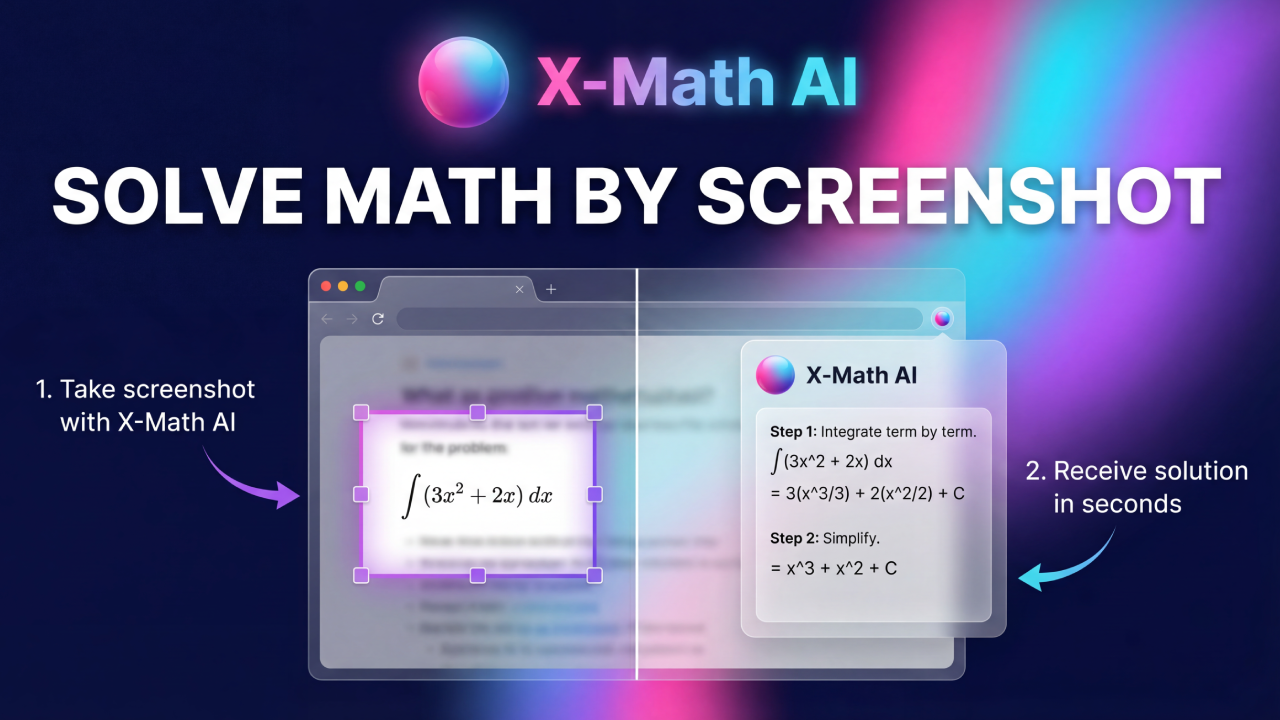

The core workflow is intentionally short: install the extension, capture the visible math problem, and get a clear answer where you are already working.
Start from the Chrome Web Store. The extension is free to install and ready in seconds.
Open the page with your math problem, then highlight the exact area you want XMath AI to read.
Get a quick answer or a step-by-step explanation inside the side panel, then keep going if you need more help.
Drop a screenshot, then click Solve it now. For regular use, install the Chrome extension and solve from the page where the math appears.
Continue in Chrome extension
The value is not only “AI solves math.” The value is that the solve flow fits the browser reality students already use.
XMath AI is strongest on the kinds of math questions that are easier to capture than retype.
Equations, factoring, systems, rearranging expressions, and standard solver formats.
Derivatives, integrals, limits, graph interpretation, and many step-heavy questions.
Probability questions, formulas, distributions, and interpretation-heavy prompts.
Formula-based problems, symbolic setup, and mixed text-plus-equation prompts.
Quantitative practice, stoichiometry, and structured problem sets with visual formatting.
Prompts that blend text, numbers, and diagrams instead of clean plain-text equations.
The free plan is enough to start. Premium is for regular classwork and bigger solve volume.
Choose billing cadence first, then compare the two plans side by side.
Search-style questions about AI Math Solver, Math Solver Free, screenshot solving, and the Chrome extension workflow.
Install it, open the page with your math problem, capture the visible question, and keep the solve workflow in Chrome.